
 By Samuel Ennis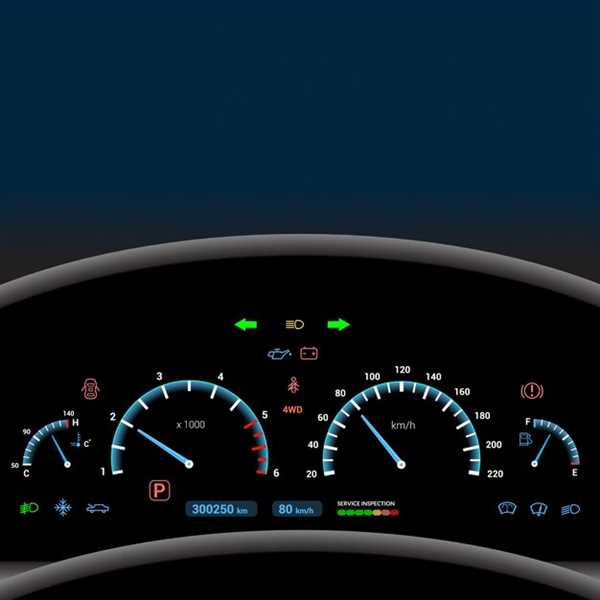
To address inconsistencies in screens found in today’s automobiles, consider performing a system reset. This action often resolves temporary disturbances that might be affecting functionality.
Common issues include pixel malfunctions, unresponsive touch areas, or incorrect data display. Regular updates to the software can mitigate many of these problems, enhancing overall performance and usability.
If anomalies persist, consult user forums or reach out to customer service for your specific brand. Many manufacturers provide solutions tailored to known issues, which can restore your interface’s reliability.
Common Types of Dashboard Glitches and Their Impact on Driver Safety
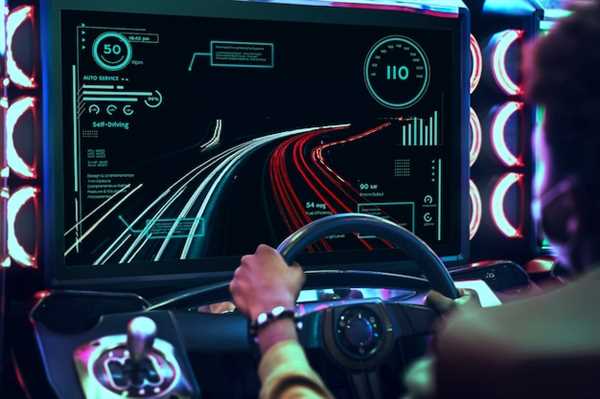
Inconsistent readings of speed and fuel levels can mislead operators, causing dangerous miscalculations. Regularly calibrate sensors and keep firmware updated to mitigate such issues.
Illuminated warning lights without a corresponding problem may create confusion, leading drivers to overlook actual alerts. Conduct periodic system checks to ensure all indicators function correctly.
Freezing screens can hinder access to critical information, such as navigation or vehicle diagnostics. Carry out software updates regularly and monitor for signs of failure in the interface.
Flickering or inoperative gauges can negatively affect situational awareness, forcing drivers to rely on subjective judgment. Ensure frequent inspections of electronic components to maintain reliability.
False notifications, such as tire pressure alerts, can lead to unnecessary stops or neglect of genuine issues. Utilize diagnostic tools to quickly verify the accuracy of such warnings.
Causes of Display Malfunctions and How to Troubleshoot Them
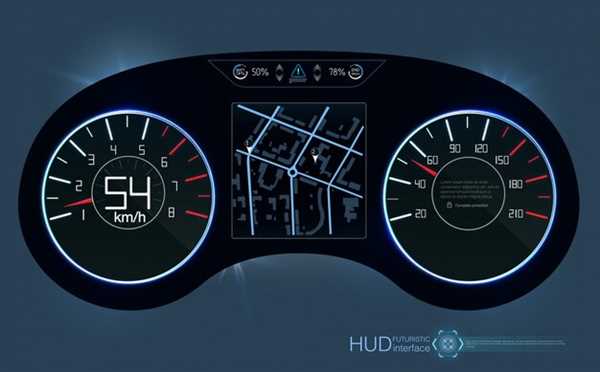
Check connections first. Loose or damaged wires can lead to display issues. Ensure all cables are firmly connected and inspect for any signs of wear.
Software errors frequently result in unresponsive screens. Perform a reset of the system. Refer to the manual for the specific procedure, usually involving holding down the power button.
Screen flickering may stem from compatibility concerns. Verify that all software is up to date. Updates from manufacturers often address bugs that lead to display problems.
Overheating can impact performance. If the unit gets excessively hot, allow it to cool down and assess ventilation around the device. Ensure air vents are unobstructed.
Interference from other electronic devices can disrupt functionality. Turn off nearby gadgets to check if they influence the display’s behavior.
Software conflicts occur when multiple applications run simultaneously. Close unnecessary apps to reduce strain on the system.
If physical damage is suspected, inspect the screen for cracks or scratches. Repair may be necessary if you find any visible impairment.
Finally, if issues persist, consult the manufacturer’s support or consider a professional diagnostic to identify deeper technical issues.
Future Technologies Aiming to Minimize Dashboard Display Issues
Utilizing advanced software algorithms can significantly reduce inconsistencies on screens. Machine learning models can analyze and predict potential malfunctions by processing vast datasets from previous performance metrics.
Implementing redundant systems will enhance reliability. By incorporating backup displays, even if one system fails, crucial information remains accessible to drivers.
Investing in improved hardware components, such as high-quality sensors and microprocessors, will contribute to more stable outputs. High-refresh-rate displays can significantly minimize lag, creating a smoother visual experience.
Collaboration with tech companies for real-time data input can also enhance screen accuracy. Access to cloud computing resources will allow continuous updates and maintenance, ensuring the interface displays correct information as conditions change.
Finally, extensive testing protocols during development phases can identify potential failures before they reach consumers. Regular software updates and maintenance plans will aid in keeping systems running smoothly over time.